|
Table of Contents : |
| 1. | Login to your account using the username and password provided. | |
| 2. | Hover over the Technical Management tab and Click on Airworthiness Review Centre tab. | 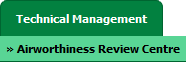 |
| 3. | Select record from grid for which you want to Compile Files and Click on view icon. It will open new window. |  |
| 4. | Select row from grid where value of Check List column is No. | 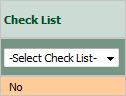 |
| 5. | Go to end of that row and Click on view icon. It will open new window. |  |
| 6. | Select View Type to Mixed View. It will load Mixed View in same window. | 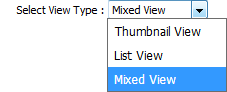 |
Lauren Partridge
Comments