|
Table of Contents : |
How do I remove a row from Action List?
| 1. | Login to your account using the username and password provided. | |
| 2. | Hover over the Fleet Management tab and Click on Landing Gear Centre Tab. | 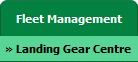 |
| 3. | Scroll down and select record from the grid. |  |
| 4. | Hover over Current Status and Select any tab from dropdown. It will open new window. | 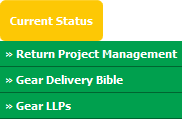 |
| 5. | Go to row that you want to remove from Action List then untick the tick box shown under Add To Action List column. | 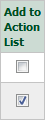 |
| 6. | Click on SAVE button. |  |
| 7. | A confirmation message will appear to confirm the changes have been made. | 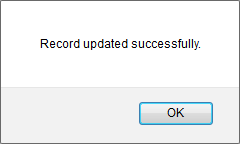 |
|
Note:- If you do not see this option appear it is due to access restrictions for your user account. please contact an administrator. |
Lauren Partridge
Comments