|
Table of Contents : |
How do I export status to Excel?
| 1. | Login to your account using the username and password provided. | |
| 2. | Hover over the Fleet Management tab and Click on APU Centre Tab. | 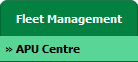 |
| 3. | Scroll down and select record you wish to view. |  |
| 4. | Hover over Current Status and Select any tab from dropdown. It will open new window. | 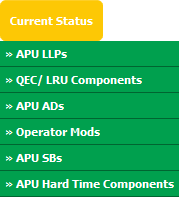 |
| 5. | Go to right side of page and Hover on export icon and Click on Export To Excel option from dropdown. | 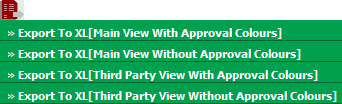 |
| 6. | It will show you Popup asking whether you want to open or save file. |  |
Lauren Partridge
Comments