|
Table of Contents : |
How do I compile files of delivery bible?
| 1. | Login to your account using the username and password provided. | |
| 2. | Hover over the Fleet Management tab and Click on APU Centre Tab. | 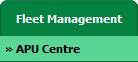 |
| 3. | Scroll down and select record you wish to view. |  |
| 4. | Hover over Current Status drop down. |  |
| 5. | Click onthe APU Delivery Bible/APU Delivery BinderAPU Records Library/APU Tech Link. It will open a new window. |     |
| 6. | Click on the COMPILE FILES button. It will open new window. |  |
| 7. | Select either Use Print Headers to name folders downloaded from CS or Use Row Number to name folders downloaded from CS option. |  |
| 8. | Select Output file option, Either you want to download Output file as a single PDF or Output file as a merged PDF. |  |
| 9. | Select work status that you want to exclude from Current Status. | 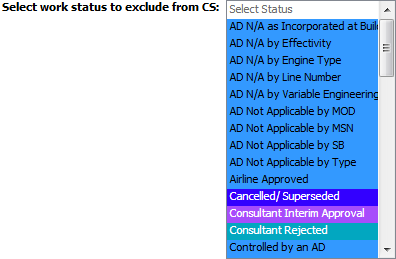 |
| 10. | Select Documents with Status by ticking on Tick box. |
|
| 11. | Select all Categories or Select individual Categories by ticking the Tick box. | 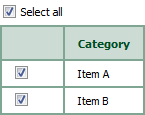 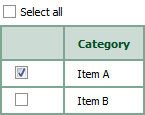 |
| 12. | Click on SUBMIT button. It will show you pop up message. |  |
| 13. | It will show you Popup window. Click on the OK button. | 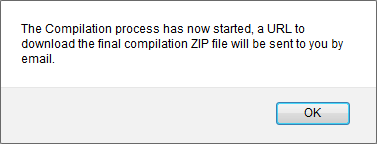 |

|
Note:- If you do not see this option appear it is due to access restrictions for your user account. please contact an administrator. |
Lauren Partridge
Comments