|
Table of Contents |
How do I view flyflow management in aircraft?
| 1. | Login to your account using your current username and password. | |
| 2. | Click on the Asset / Lease Management Tab. |  |
| 3. | Hover on Asset Management and click on the Aircraft Tab. | 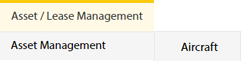 |
| 4. | Hover on CONTROLS button and click on the Manage Work Status List. It will open in a new window. |  |
| 5. | Select Client. |  |
| 6. | Click on FLYFLOW MANAGEMENT button. It will open in a new window. |  |
How do I edit flyflow management in aircraft?
| 1. | Login to your account using your current username and password. | |
| 2. | Click on the Asset / Lease Management Tab. | |
| 3. | Hover on Asset Management and click on the Aircraft Tab. | |
| 4. | Hover on CONTROLS button and click on the Manage Work Status List. It will open in a new window. | |
| 5. | Select Client. | |
| 6. | Click on FLYFLOW MANAGEMENT button. It will open in a new window. | |
| 7. | Click the asset from the grid, to be edited. |  |
| 8. | Click on EDIT button. |  |
| 9. | Fill the required details. | 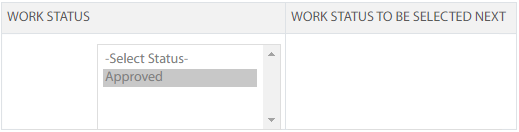 |
| 10. | Click on SAVE button. |  |
| 11. | It will open a Popup message. Click on OK. | 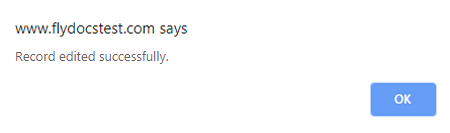 |
Lauren Partridge
Comments