|
Table of Contents : |
| 1. | Login to your account using the username and password provided. | |
| 2. | Hover over the Fleet Management tab and Click on Landing Gear Centre Tab. | 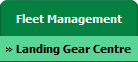 |
| 3. | Click on the Landing Gear Sub-Assembly Fleet tab. | 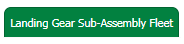 |
| 4. | Select the asset from the grid. |  |
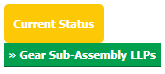
| 5. | Hover over the Current Status dropdown and Select any tab from the dropdown. It will open new window. |
 |
| 6. | Click on view image of row to view inner documents. |  |
| 7. | Go to document and click on rotation icon that give us two option that rotate document Clockwise or rotate Anti-clockwise. |  |
Lauren Partridge
Comments