|
Table of Contents : |
How do I Enable FSCC Access for Users?
| 1. | Login to FLYdocs. | |
| 2. | Hover over the 'Users' tab. |  |
| 3. | Click on Users in the drop-down. | 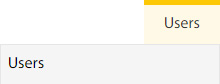 |
| 4. | Select the user from the grid for whom you want to enable FSCC access. | 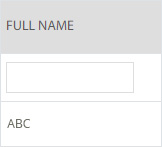 |
| 5. | Click on the EDIT button. |  |
| 6. | Select ‘Yes’ against ‘Enable FSCC Option’. |  |
| 7. | Click on the SAVE button. |  |
| 8. | It will open a pop-up message. Click on the OK button. |  |
Lauren Partridge
Comments