|
Table of Contents : |
| 1. | Login to your account using the username and password provided. | |
| 2. | Hover over the Fleet Management tab and Click on Landing Gear Centre Tab. | 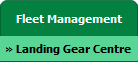 |
| 3. | Select the asset from the grid. |  |
| 4. | Hover over Current Status and Select any tab from dropdown. It will open new window. | 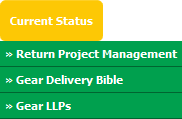 |
| 5. | Click on the SIGN STATUS SHEET button from top of the page to the right side of area. It will open a new window. Note: SIGN STATUS SHEET button will only be visible if all rows status are approved. |
 |
| 6. | Once new window will open, Login to your account using the username and password provided. | 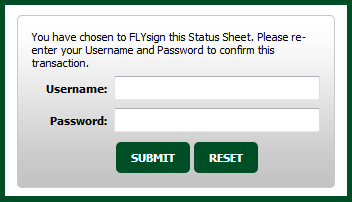 |
| 7. | It will show you Popup window. Click on the OK button. | 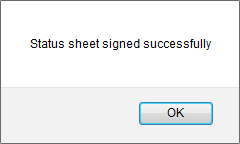 |
Lauren Partridge
Comments