|
Table of Contents : |
How do I add someone into Internal Documentation Notes?
| 1. | Login to your account using the username and password provided. | |
| 2. | Hover over the tab for Users and Click on Users tab. | 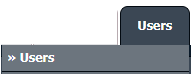 |
| 3. | Click on MANAGE GROUP RIGHTS button. It will open new window. |  |
| 4. | Select the user group row from grid. |  |
| 5. | Click on MANAGED BY button. It will open new window. |  |
| 6. | Select Manage Internal Documentation from list and Select other options as per your requirement. | 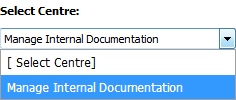 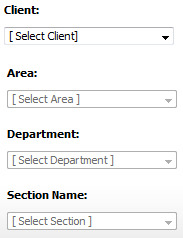 |
| 7. | Select the users from the list available on right. | 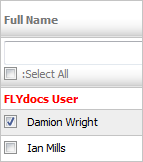 |
| 8. | Click on SAVE button. |  |
Lauren Partridge
Comments