|
Table of Contents : |
How do I view Audit Trail of Email Templates?
| 1. | Login to your account using the username and password provided. | |
| 2. | Hover over the Fleet Management tab then Hover over the FLYlog Book Centre Tab and Click on Manage By Asset tab. | 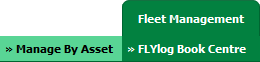 |
| 3. | By default Airframe Log book tab is selected. |  |
| 4. | Hover on the Controls dropdown and Click on Manage Email Templates tab. It will open new window. | 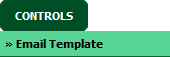 |
| 5. | Select Client from List. |  |
| 6. | Click on AUDIT TRAIL button. It will open new Window. |  |
| 7. | Select filter types to filter Audit Trail Report. Like filter by keyword, filter by operations, filter by date, filter by client etc. | 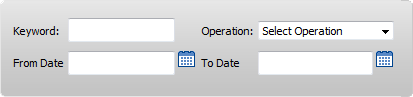 |
| 8. | Click on FILTER button to filter Audit Trail report. It will show filtered data into grid. |  |
Lauren Partridge
Comments